
 Impresora de etiquetas de envío Bluetooth Phomemo PM241-BT
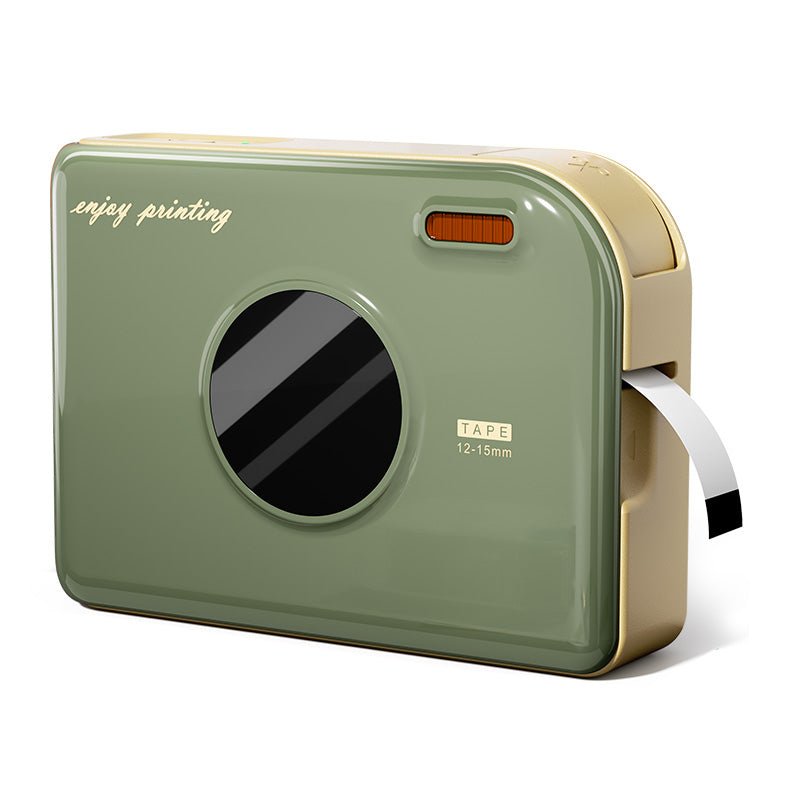 Impresora de Cintas Phomemo A30 Etiquetadora Portátil para el Hogar
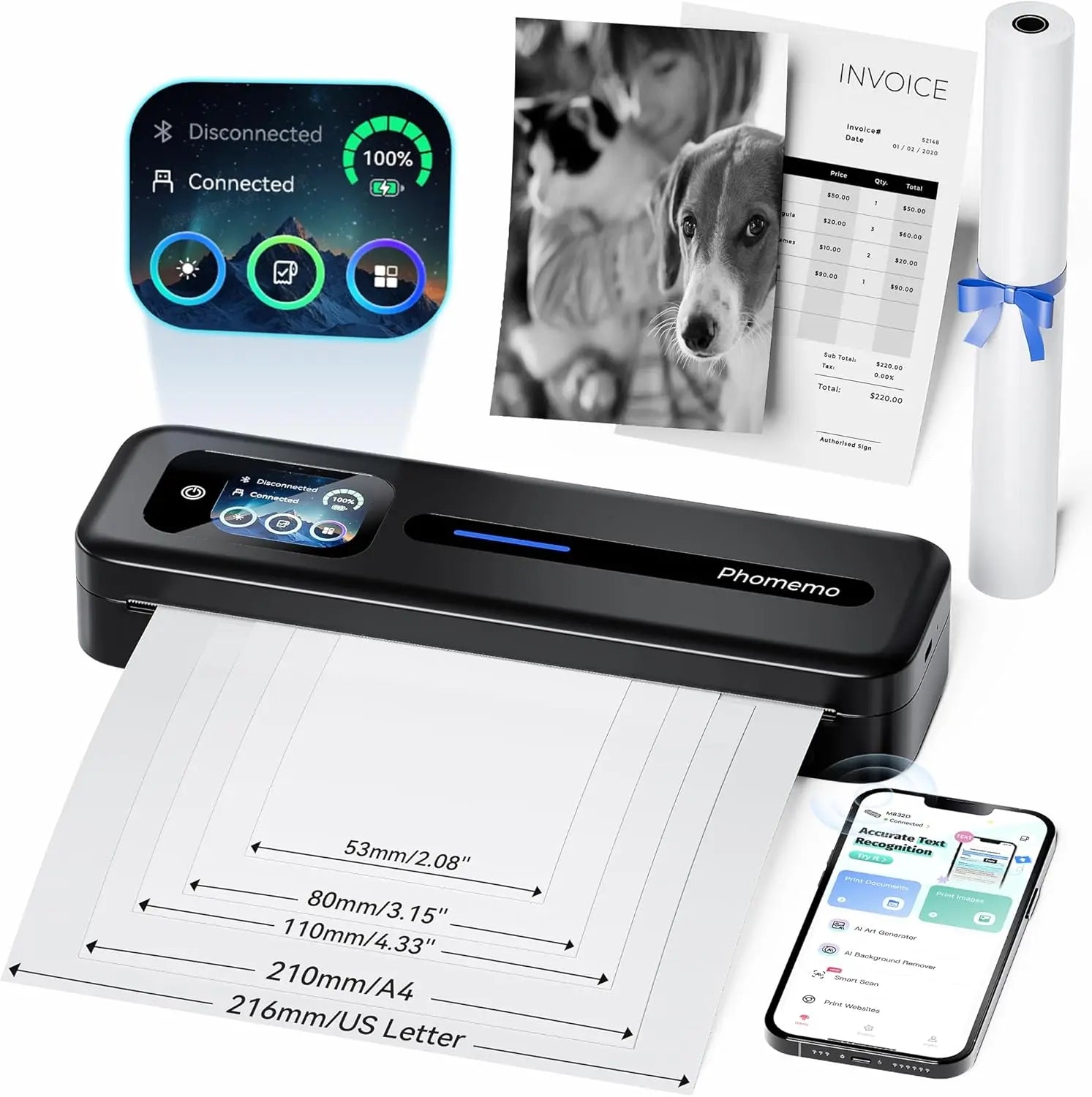 Impresora portátil térmica Phomemo M832D con pantalla táctil directa mejorada
 Phomemo M08F Plus Impresora inalámbrica de plantillas para tatuajes con pantalla táctil
 Phomemo Etiqueta redonda térmica múltiple de 2" para impresora de etiquetas de envío
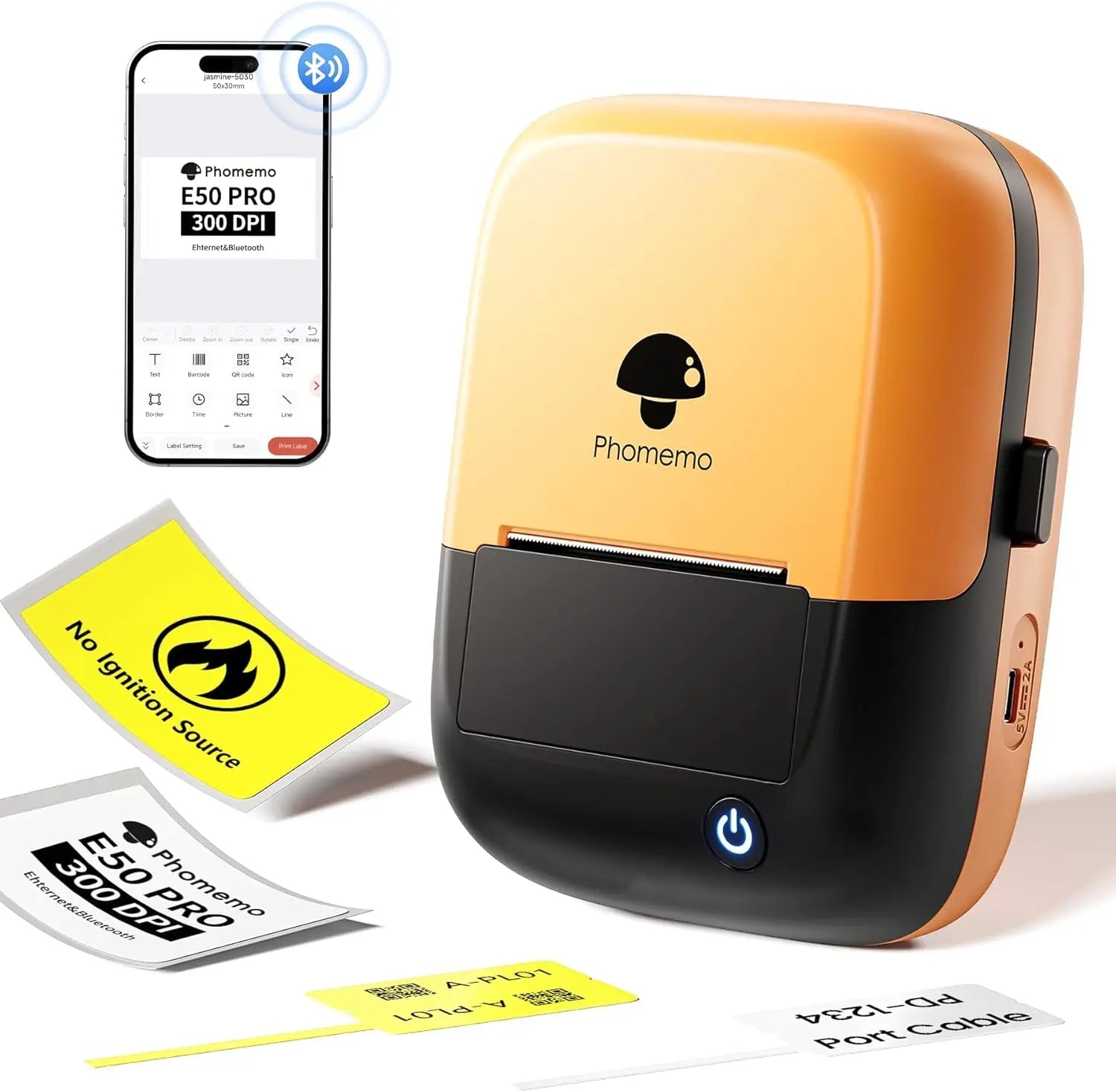 Phomemo E50Pro Industrial Bluetooth Portable Label Maker
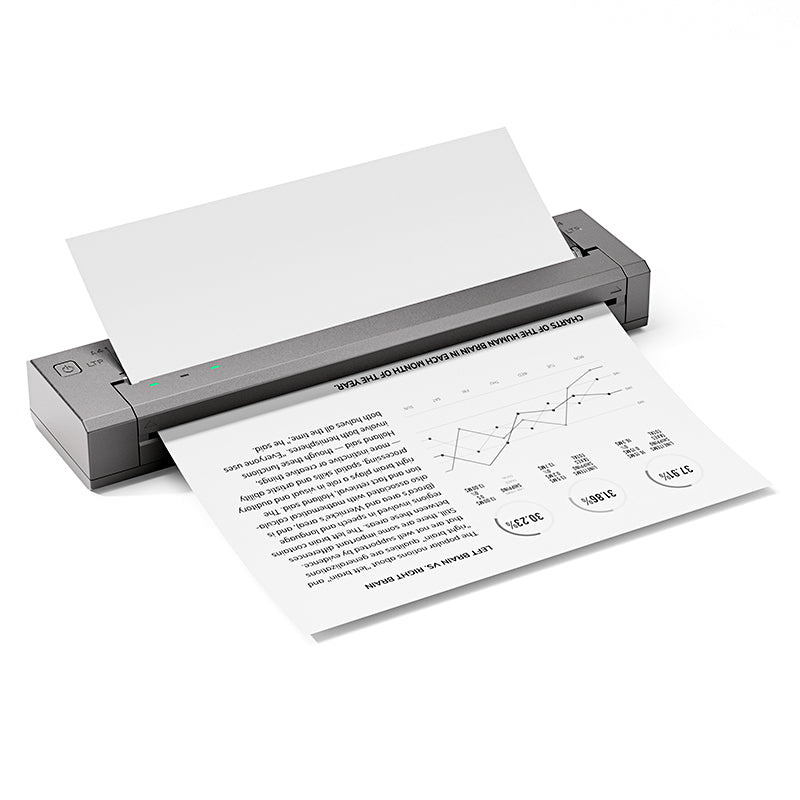 Phomemo G100 Pro Impresora portátil térmica directa
 Phomemo PM64D Impresora de Etiquetas de Envío Bluetooth Pantalla Táctil Directa Mejorada
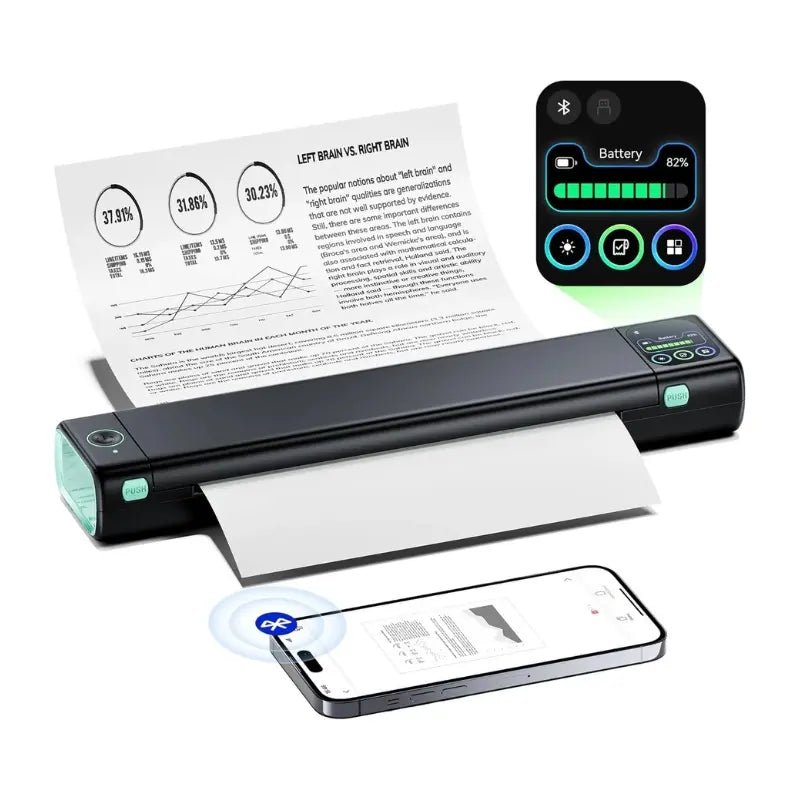 Impresora portátil mejorada Phomemo M08D Impresora térmica directa
 Set de regalo de impresora mini Phomemo M02
 Set de regalo de impresora mini Phomemo M02S
 Set de regalo Phomemo M110 impresora de etiquetas Bluetooth
 Phomemo M02 PRO Mini Impresora Set de Regalo
 Phomemo D30 Impresora de Etiquetas para el Hogar Bluetooth y Set de Regalo con 3 Rollos de Etiquetas
 Accesorios
 Bolsas de almacenamiento
 Cajas de almacenamiento
 Marcas de Fe | Una Colección Simbólica de Tatuajes de Espíritu y Fortaleza | Conjunto de Flash para Tatuajes
 Ink & Bloom | Una Colección de Sombras Elegantes y Emoción Floral | Set de Flash para Tatuajes
 Blade of the Oni | Demonios Internos Desatados | Set de Flash para Tatuajes
 Símbolos Wild | Mini Set de Tatuajes de Animales, Corazones e Iconos | Set de Flash para Tatuajes
 By Your Side | Conjunto de Flash para Tatuajes
 Phomemo M08F Impresora inalámbrica de plantillas para tatuajes
 Phomemo TP81 Impresora inalámbrica de plantillas para tatuajes
 Phomemo TP31 Impresora Mini de Plantillas para Tatuajes Bluetooth
 Phomemo TP87 Impresora inalámbrica de plantillas para tatuajes
 Phomemo M02 Impresora Mini Sin Tinta
 Phomemo M02 PRO Impresora Mini Bluetooth
 Phomemo M02S Impresora Mini Bluetooth
 Phomemo M04S Mini Impresora Térmica
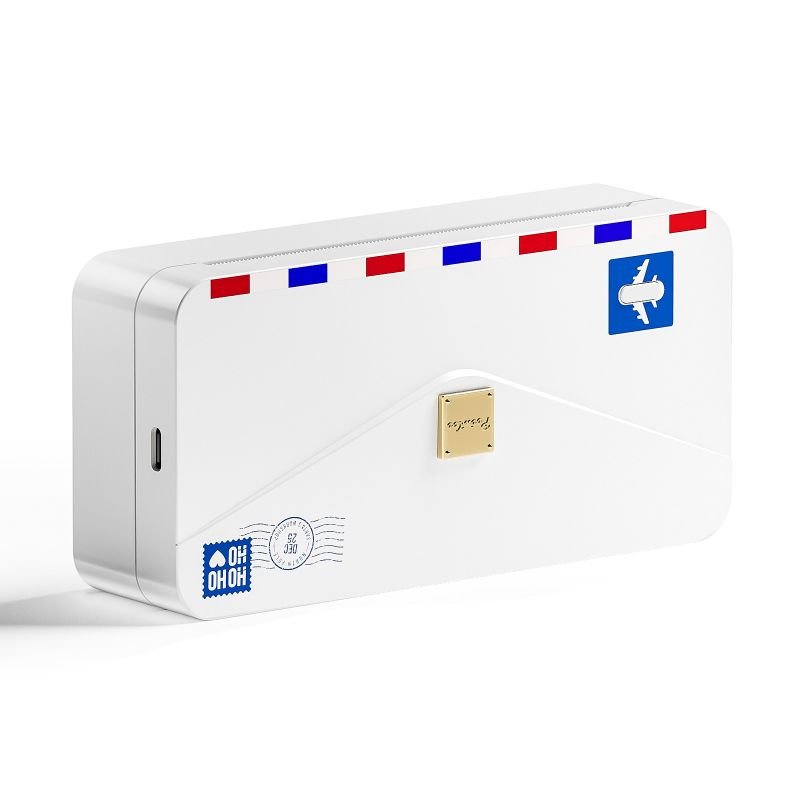 Phomemo M04AS Mini Impresora Térmica
 Phomemo D30 Etiquetadora portátil Bluetooth para el hogar
 Phomemo P12 Pro Impresora de Etiquetas Bluetooth para el Hogar
 Phomemo P15 Etiquetadora Vintage para el Hogar
 Phomemo D50 Gran Impresora de Etiquetas para el Hogar
Phomemo
Phomemo TP31 Impresora Mini de Plantillas para Tatuajes Bluetooth
- Impresora Mini de Tatuajes: Tamaño de 145*70*54mm y peso de solo 450g, que te permite imprimir en cualquier momento y lugar.
- Capacidad Potente para Crear Etiquetas: Crea fácilmente pegatinas para diversos escenarios.
- Compatibilidad Versátil con Rollos de Papel: Soporta papel de transferencia de tatuajes de 80mm, ofreciendo múltiples opciones.
- APP Inteligente: Accede a una gran variedad de materiales de diseño a través de la APP inteligente PHOMEMO.
- Tecnología de Impresión sin Tinta: Instala el papel en solo 3 segundos para un diseño limpio y ecológico sin tóner.
- Tecnología de Impresión Profesional: Impresión en alta definición de 203 dpi a velocidades de hasta 20mm/s que garantiza calidad y eficiencia.
- Duración de la Batería: Disfruta de un rendimiento duradero con más de 72 horas en modo de espera y la capacidad de imprimir hasta 70 metros con una sola carga.
Aprender más
¡Ahorra 21% con paquetes!

One Printer, Endless Possibilities
The TP31 isn't just for tattoo artists—it's also great for kids' creative projects, DIY crafts & on-the-go printing.With thermal inkless technology, this pocket-size printer makes both art and stencils simple, clean & fun—whether you're at home or in a tattoo shop.


Professional Tattoo Application in Action
Experience how the Phomemo TP31 integrates seamlessly into professional studios. Whether outlining or shading, stencil precision is crucial—our printer helps artists achieve consistent results every time.


Featherweight Sprinter
Perfect for Aspiring Artists & Professionals
Whether you're a beginner or pro, TP31 tattoo stencil printer helps streamline your workflow. It eliminates manual errors, improves speed & ensures cleaner designs for every session.


A Printer Can Carry in Pocket?
87*90*40mm in size, fits in the palm of your hand—enabling printing anytime, anywhere.
Weighing only 150g, as light as an orange, as quick as a leopard, printing at speeds up to 10mm/s!

Wireless Printing Made Simple
Easily connect your phone via Bluetooth using the Phomemo App. Upload your design and print instantly. No cords, no mess—just fast, clean stencil output in seconds.

Green Living for a Sustainable Future
Compared to traditional printers, thermal printers can significantly reduce energy consumption and carbon emissions, making them a more energy-efficient and environmentally friendly printing solution.

Works Best with Clean Lines & Totem Patterns

TP31 delivers best results with clear lines, geometric & totem-style tattoos. Not ideal for complex shadows or color gradients, but perfect for outlines and draft work


TP31 Tattoo Stencil Printer – How to Use

Step 1: Prepare the Transfer Paper
Take off the clear layer on top, then remove the yellow page underneath.

Step 2: Connect Your Device
Download and open the app. Pair your phone with TP31 through Bluetooth or connect to a computer via USB.

Step 3: Load and Print
1. Hold the power button for 2 seconds to switch on the TP31.
2. Load the stencil paper correctly: white side up, carbon side down.
3. Print your design using the app.

Step 4: Apply the Tattoo
Cut out the printed image. Apply stencil gel to the target area, then press the tattoo paper on.Clean up excess ink using rubbing alcohol.
Frequently Asked Questions
Is the Phomemo M08F suitable for professional tattoo artists?
Yes. The Phomemo M08F is designed for professional tattoo artists who need consistent stencil quality in studios, guest spots, and mobile tattoo sessions. It delivers clean, sharp stencil lines suitable for detailed tattoo work.
What devices can I use with the M08F tattoo printer?
The M08F works with iOS, Android, Windows, and macOS devices. Tattoo artists can easily print stencils directly from smartphones, tablets, or laptops using Bluetooth or USB connections.
Can the M08F handle fine line and detailed tattoo designs?
Yes. With high-resolution thermal printing, the M08F accurately reproduces fine lines, small text, and detailed tattoo artwork, making it ideal for realism, linework, and lettering styles.
What type of tattoo stencil paper should I use?
The M08F is compatible with standard thermal tattoo transfer paper commonly used in professional tattoo studios. No ink or toner is required.
Is the M08F tattoo printer portable for guest spots or conventions?
Yes. Its lightweight and compact design makes the M08F easy to carry for conventions, guest tattoo sessions, and on-site work.
Does the M08F require ink or cartridges?
No. The M08F uses direct thermal printing technology, so there is no need for ink, ribbons, or cartridges.
How reliable are the stencils for long tattoo sessions?
When printed on quality thermal transfer paper, M08F stencils remain clear and stable throughout extended tattoo sessions.





